On this page (8 sections)
You need a decision API that routes tickets by intent, not keywords. System 1 models like Laya classify inquiries in ~120ms without generating text, reducing costs and hallucinations. This guide explains how to implement robust AI customer support routing.
Key takeaways
- Use calibrated probabilities instead of raw text labels for reliable routing decisions.
- Switch from general-purpose LLMs to System 1 models for predictable latency and cost.
- Verify data residency requirements, particularly for regulated industries like healthcare.
- Audit your workflows regularly to prevent classification drift in production.
What is AI Customer Support Routing and Why Does it Matter Now?
AI customer support routing automates the initial sorting of incoming tickets. It analyzes the content of an inquiry and assigns it to the correct team, priority, or workflow without human intervention. This shifts your team from manual triage to resolving complex issues.
Industry momentum confirms this shift. Microsoft noted intent-based routing transforming customer support workflows as early as May 2025, highlighting how classification moves beyond simple tag matching Intent-based routing transforms customer support with AI - Microsoft Dynamics 365 Blog. Traditional keyword systems fail when customers describe problems naturally. Modern routing requires understanding context, urgency, and intent simultaneously. NICE continues to expand AI-powered routing capabilities across contact centers to orchestrate human and AI agents at scale AI-Powered Routing in Contact Centers - NICE.
How Does Real-time AI Classification Understand Customer Intent?
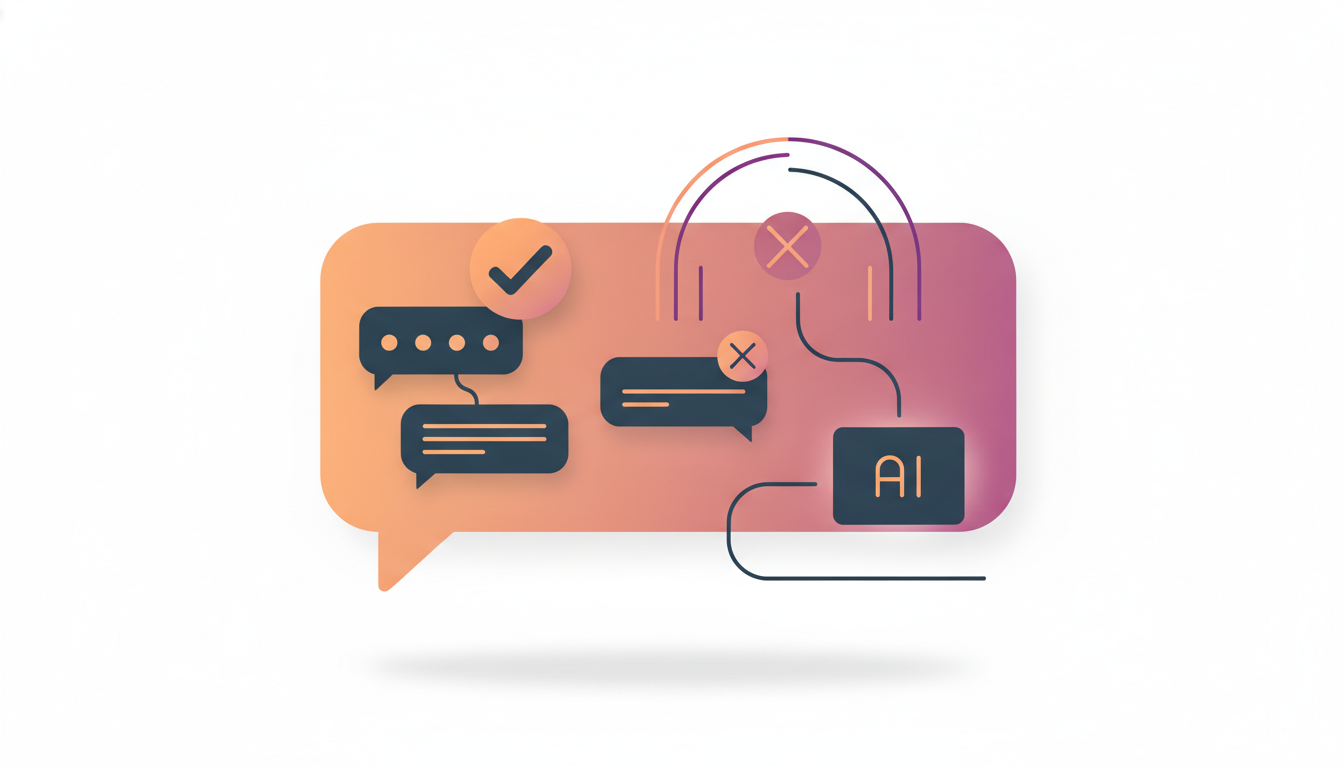
Real-time classification uses a dedicated model to output probabilities for predefined tags. It asks the model structured questions like "Is this billing-related?" or "Is this urgent?" rather than generating free text. This approach prevents hallucinations because the model cannot invent a label outside your schema.
We rely on System 1 models for this task. These models are optimized for single-pass inference and produce calibrated probabilities. A calibrated probability reflects how often the model is right; for example, an 80% score means it is correct roughly 80% of the time. You can learn more about this concept in Beyond Sentiment: The Rise of Calibrated Probabilities in AI Decision Making. This transparency helps you set confidence thresholds for automation versus human review.
What Are the Key Benefits of AI-Powered Routing in 2026?

The primary benefits are cost control, speed, and consistency. Unlike generative LLMs that charge per token and vary in speed, decision APIs offer fixed latency per query. This makes budgeting predictable for high-volume support operations.
- Latency: A typical classification call completes in ~120ms from Europe.
- Cost: The pricing model is often per-question rather than per-token. For example, we offer 100,000 free questions and charge $5 per million after that.
- Safety: Since the model does not generate text, it cannot accidentally leak sensitive data or output harmful responses.
| Feature | General LLM | Decision API (System 1) |
|---|---|---|
| Output | Free text / tokens | Calibrated probabilities / choices |
| Latency | Variable | Fixed (~120ms) |
| Cost Model | Per token | Per question |
| Hallucination Risk | Moderate | None |
| Schema Control | Hard to enforce | Strict |
How Do You Implement Real-time AI Classification?
Start by mapping your current ticket tags to explicit decision questions. Define a schema that covers your top use cases, such as routing, triage, or escalation. You send the ticket text and these questions to the API as JSON and receive probabilities back.
Follow this standard path:
- Define your intent labels (e.g.,
billing,technical,sales). - Write questions for each label (e.g., "Is this related to billing?").
- Send a POST request with the payload.
- Route the ticket based on the highest probability exceeding your threshold.
For a complete walkthrough, see What is a decision API? A plain-English guide. This setup ensures your backend pipeline remains stable even as you update your product features.
What Should You Look for in a Decision API?
Evaluate providers based on data residency, protocol compatibility, and transparency. If you operate in regulated sectors, verify where the data is processed and retained. Swiss data hosting offers specific advantages for GDPR compliance and medical records, as explained in Why Swiss-hosted AI matters for medical data.
Ensure the provider supports open protocols like /v1/systemone. This allows you to switch models later without rewriting your infrastructure. When comparing vendors, look for explicit benchmark data and honest weaknesses. Read our Laya vs. Jev: Choosing the Right System 1 Decision Model for Your AI Application for a direct comparison of these factors.
How Do You Overcome Challenges in AI Automation?
Classifying rare edge cases requires human oversight. No model is perfect, and some intents will have low confidence scores. Configure your system to flag these for human review rather than forcing an automated decision.
You must also monitor for drift. As your product changes, customer language evolves. If your accuracy drops over time, update your decision questions. Regular audits prevent your automated workflows from breaking silently. Start by testing on historical data before connecting live traffic.
What is the Future of AI and Human Collaboration in 2026?
Future systems will focus on reducing customer effort rather than just automation. AI agents will handle the initial triage and data gathering, passing a summarized context to humans for resolution. This hybrid approach improves speed without sacrificing empathy.
The goal is to automate the repetitive parts of the ticket while keeping the judgment calls for people. This alignment requires clear thresholds. If the probability of an intent is below 90%, the system should escalate to an agent immediately.
FAQ
How do I start automating customer support with AI?
Begin by identifying high-volume ticket types that follow clear rules. Map these to decision questions and connect your ticketing system to a decision API. Test with a small batch before scaling to full traffic.
What is AI intent-based routing?
It is a system that analyzes incoming text to identify the specific topic or goal of a request. It routes the ticket to the appropriate team based on that intent rather than keywords.
Do you use AI for ticket classification?
Yes, we classify tickets using structured questions and probability outputs. This avoids the overhead of generating text and provides strict control over routing logic.
How do I implement real-time customer service AI?
You need a low-latency API that can accept text and return decisions within milliseconds. Most providers offer SDKs or standard REST endpoints for easy integration.
Is AI in customer experience 2026 focused on agents?
Modern workflows integrate AI agents for triage and drafting responses, but human oversight remains critical. The focus is on reducing total effort for the customer.
Ready to reduce your routing latency and costs? Visit Laya Studio to read our pricing and start testing today.
Topics
- AI customer support routing
- AI intent-based routing
- automate customer support with AI
- AI for ticket classification
- real-time customer service AI
- AI in customer experience 2026
- AI customer support automation workflows
- AI agents for customer service